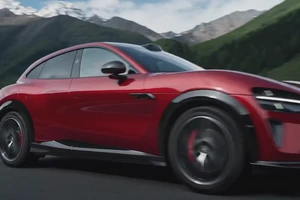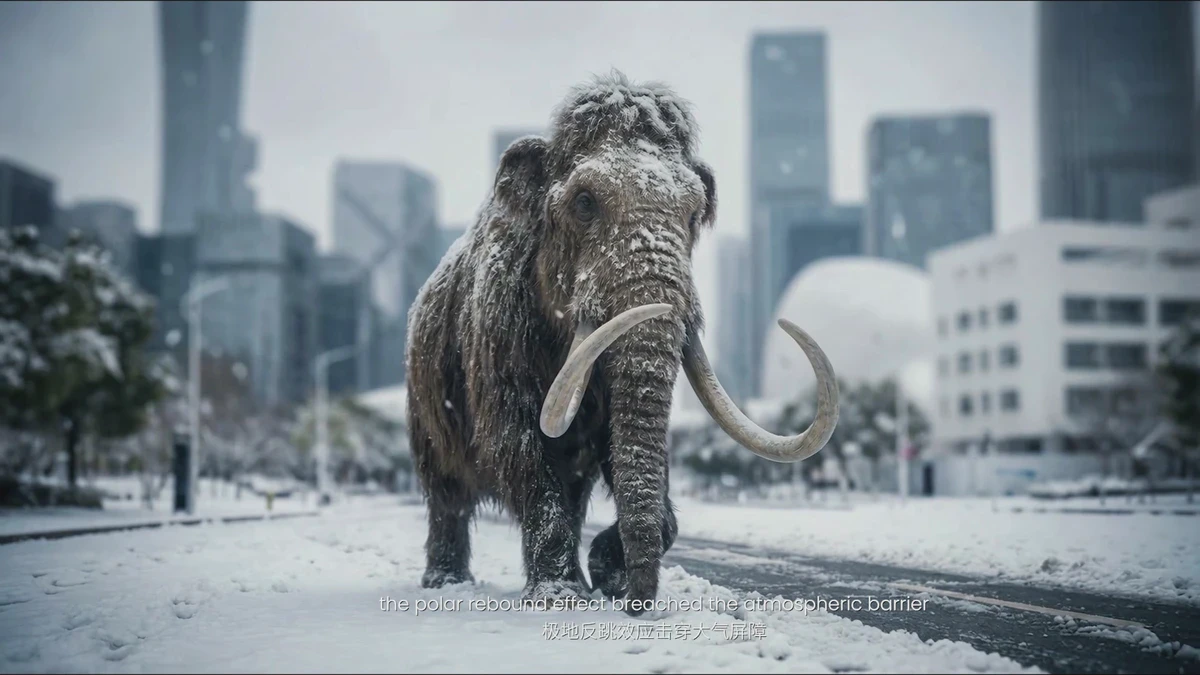
Image-Based Lighting, often abbreviated as IBL, captures omnidirectional, high-dynamic-range ambient light information to provide lighting references and initial illumination for digital products, characters, or scenes. For product advertising, the value of IBL lies in aligning reflections, highlights, and shadows with the real environment.
First, Capture References That Answer Questions
Research Seed 0045 discusses light probes, panoramic HDR images, and on-set workflows together. When creating product CGI today, you need not copy a specific company's gear list, but you should maintain the same mindset. Before shooting, determine the product orientation, camera position, key light direction, and the live-action environment to match.
Basic references may include panoramic HDRI, gray balls, chrome balls, color charts, exposure logs, lens data, and on-set photos. Chrome balls help observe reflections, gray balls help judge lighting ratios, and color charts and exposure logs provide a basis for color management. If the product features metal, glass, or high-gloss finishes, these references become even more critical.
Validate Materials and Environment Together
After placing the product model in the HDRI, check silhouettes and reflections first, then shadow contact and background color. If materials are incorrect, adjust color, roughness, normals, and environment rotation individually rather than changing all parameters at once. When compositing with live action, also verify depth of field, motion blur, lens distortion, and exposure relationships.
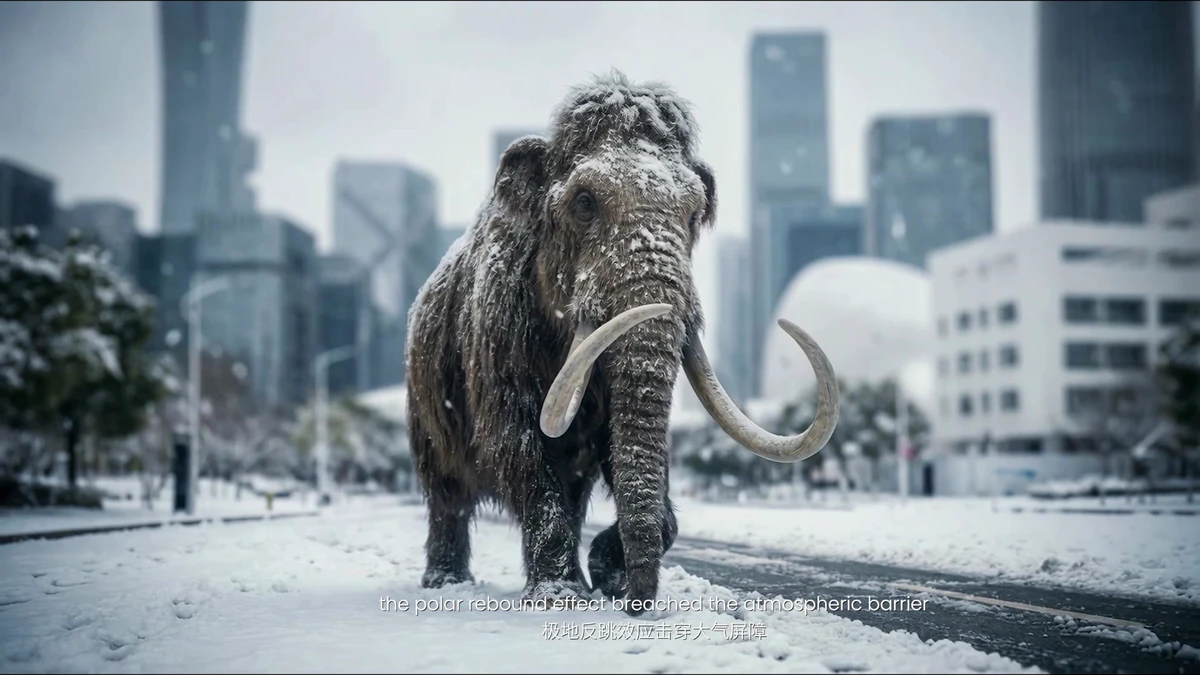
The image below is from ONCE's proprietary refrigerator product video, used to observe highlights, edges, and environmental reflections. It is not Weta Digital IBL footage, nor does it indicate the use of external case study images in this article.
Retain Lighting Context Upon Delivery
Archive IBL files alongside location, time, orientation, exposure, color space, and camera data. If post-production receives only a resized panorama, the team cannot reliably assess its suitability for matching. For multi-version product workflows, retain the original HDR, processed HDR, lighting scene, and a reference render.
Blender’s environment texture documentation helps standardize HDRI input across the team; configure each renderer according to project color management standards. IBL reduces lighting guesswork, but photorealism still depends on joint validation of models, materials, cameras, and compositing.
For ambient light capture and CGI references for product advertising, refer to ONCE Commercial Imaging Solutions Submit product material and shooting environment information.
Asset Verification
- Research Seed 0045 The definitive Weta Digital guide to image-based lighting
- Blender Manual Environment Texture
- Blender Manual Color Management