After delivering an ad, the most common issue is finding a file but not knowing if it’s usable. Which version is the picture lock? Are subtitles burned in? When does the music license expire? Which master were the horizontal and vertical versions derived from? If this information isn’t saved with the assets, re-editing six months later means starting from scratch.
First, standardize the ingest process.
Camera footage, proxy files, project files, review versions, masters, and subtitles should be organized into separate directory levels. Filenames must include project, scene, shot, version, and date, but naming alone is insufficient. Searchable metadata is also required to record aspect ratio, frame rate, color space, language, licensing, and owner.
The open-source SAUCE project integrates asset reuse and retrieval within a unified professional toolset. It reminds production teams that reuse depends on enabling future productions to locate, evaluate, and restore assets; simply accumulating more files offers no benefit.
Version stacks must preserve relationships.
Different versions of the same shot—v01, v02, picture lock, and platform transcodes—cannot be distinguished by filename alone. Current Adobe Frame.io documentation treats files, folders, and version stacks as distinct asset relationships, providing a useful framework for understanding review and version management structures.
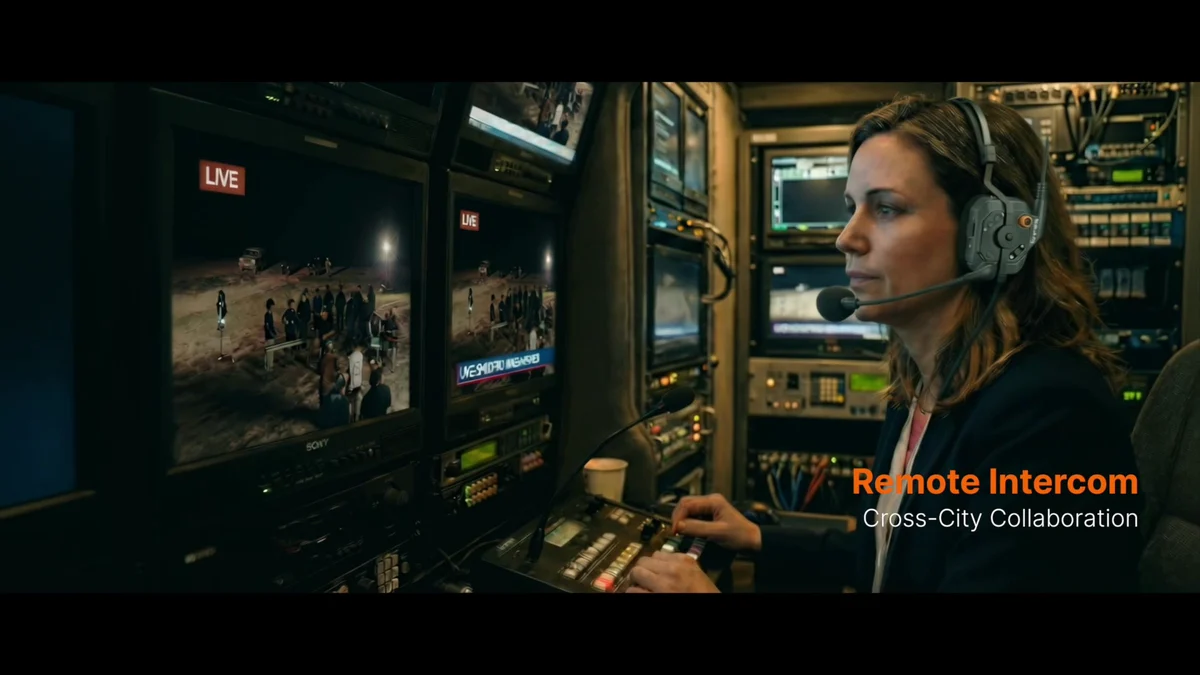
The image below is from ONCE’s internal studio communication video, illustrating team collaboration and information workflows. It does not imply that this article endorses any specific cloud asset management system.
Perform a restoration test before archiving
- Randomly select a master file to verify that the project, assets, and subtitles are retrievable
- Use checksums to confirm that files were not corrupted during copying
- Check expiration dates for music, font, likeness, and asset licenses
- Reopen a project via proxy to confirm that file paths and timelines remain functional
- Clearly specify who can retrieve original assets and who can publish new versions
OpenTimelineIO is suitable for describing editing timelines and exchanging edit data, while Frame.io is ideal for reference assets, folders, and version relationships. Neither can automatically determine licensing or mastering rules for a project. If you are organizing commercial delivery and archiving, you can start from the ONCE Project Brief entry point Start communication.
Material verification
- Research Seed 0055 Finding the secret SAUCE for asset re-use
- OpenTimelineIO Official documentation
- Adobe Frame.io Developer guide