The biggest risk in DI grading is when footage, references, versions, and delivery specs lack a shared language. If the client wants a cleaner look, the DP wants to preserve shadow detail, and post needs room for compositing, these three notes will only cause endless debate in review sessions unless they are translated into specific visuals and versioning.
Lock Down Inputs and References First
Before grading begins, document the original color space, exposure reference, shot order, and proxy relationships. Client-provided references must also be tagged with source and purpose; compressed web videos should never serve as the sole color standard.
Early public documentation of Company 3's DI workflow already integrated the Digital Intermediate into a unified pipeline for grading, delivery, and asset management. Although today's tools differ, interface challenges persist.
Make Color Management Understandable to Everyone
Current DaVinci Resolve documentation supports both native color management and ACES. Projects need not enable both systems just to appear professional; the key is defining the input, working space, display transform, and output master, then documenting them in project settings and delivery specs.
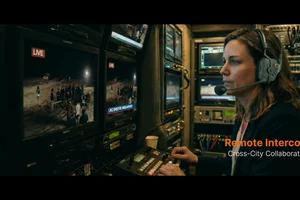
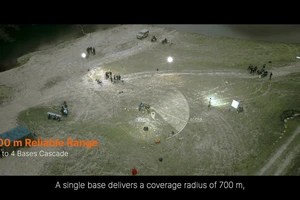
The image below is from an ONCE proprietary appliance video, used to observe black materials, screen highlights, and environmental reflections as grading acceptance criteria. It does not imply this article endorses any specific DI hardware or grading workflow.

Five interfaces must be clarified before the first review
- Media interface: who is responsible for original footage, proxies, and timeline conforming
- Color interface: input, working space, display transform, and output format specifications
- Creative interface: which colors must be preserved and which variations can be experimented with
- Compositing interface: which shots require intermediate renders and extra dynamic range
- Delivery interface: acceptance criteria for masters, SDR, HDR, subtitles, and platform versions
Colorists need room for artistic judgment, while project management requires traceable settings, versions, and notes. To condense commercial color grading requirements into a one-page brief, start with ONCE Project Brief Portal Start.
Material Verification
- Research Seed 0817 Company 3 DI Workflow
- Blackmagic Design DaVinci Resolve Color
- ACES ACES Central