To determine if legacy SDR product footage can be upgraded to HDR, first assess how much information remains in the source. While HDR offers greater brightness and color volume, it cannot magically recover clipped highlights or crushed shadows. Simply brightening an SDR file often only makes existing issues more apparent.
The first check is highlights and shadows.
If windows, lights, or metallic specular highlights have blown out to pure white in SDR, the original detail may be lost. If black products have been crushed into noise, lifting the shadows will not automatically restore clean texture. Select the brightest, darkest, and most reflective shots first to verify how much usable dynamic range remains in each.
Beeble's public documentation for SwitchHDR describes it as reconstructing 16-bit scene radiance from standard 8-bit SDR, emphasizing that the model is trained on real HDR data. Such reconstruction is a plausible inference of missing information; results still require a colorist's judgment and should not be treated as an exact restoration of the original exposure.
The second check is motion and temporal stability.
A still frame may look great, but playback can reveal flickering highlights, drifting textures, or fluctuating noise. Always test full clips for rotating products, flowing liquids, hair movement, and fast camera moves. Comparing adjacent frames reveals issues more effectively than comparing isolated before-and-after screenshots.
The third check is brand color.
Brand red, packaging blue, and metallic silver may all appear different in an extended color gamut. Color references, product prototypes, and legacy masters should be included together in testing. The brand must also decide which highlights to retain or suppress and which shots can have greater perceived brightness. Technical processing cannot replace brand aesthetic decisions.
The fourth check covers monitoring and engineering formats.
HDR content must be evaluated on proper displays with correct color management. Apple’s Final Cut Pro documentation outlines SDR-to-HDR PQ conversion options, while YouTube’s official guidelines require HDR masters to use Rec.2020 primaries with either PQ or HLG. Deliverables must also confirm bit depth, color space, metadata, and codec format.
The fifth check covers platform versions.
The same set of product shots may require an HDR master, an SDR version, a web preview, and short-form social media edits. Brightness, color, and compression will differ across each version. Do not wait until the HDR grade is finished to determine the SDR output; both versions should be reviewed side by side in the same test pass.
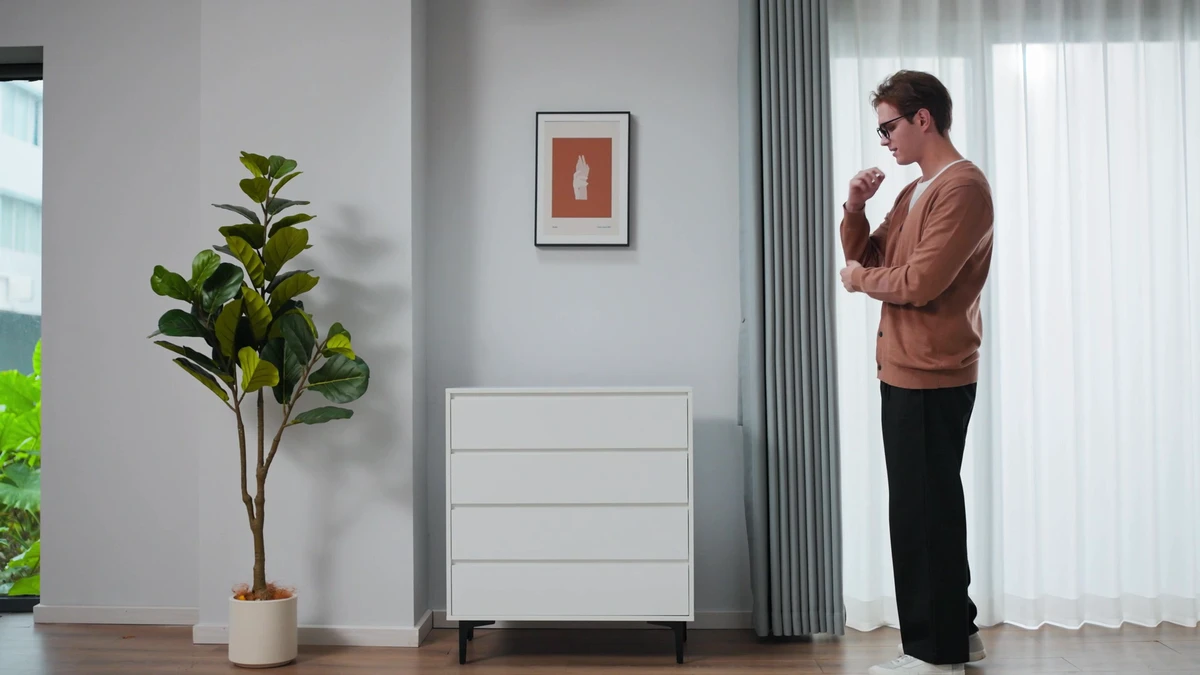
The image below is from an ONCE proprietary refrigerator video, used to illustrate test subjects involving black materials, home environments, and highlight control. It is not an HDR reconstruction result.
An Actionable Test Checklist
- Select representative shots covering highlights, shadows, reflections, and fast motion.
- Record original footage codec, bit depth, color tags, and camera model.
- Compare original, reconstructed, and graded footage on an HDR monitor.
- Inspect frame by frame for flicker, edges, texture, noise, and brand colors.
- Simultaneously output HDR, SDR, and platform previews, then review on mobile.
If test results indicate missing key details in the footage, shift the goal to a safer wide-gamut regrade and SDR optimization; do not present HDR upscaling as an unconditional guarantee. When planning post-production and multi-platform versions, start from the ONCE Post-Production and Content Creation portal to begin the conversation.
Asset Verification
- Review the public technical overview of Seed 0911 SwitchHDR.
- Beeble SwitchHDR
- Apple Final Cut Pro Color Management and Color Conform
- YouTube Upload High Dynamic Range (HDR) video