When a brand video is going into three markets, the problem is usually not a mistranslated word. It's when the edit is done and the client discovers the English voiceover is longer than the original script, subtitles cover product details, the vertical crop cuts out key action, and the Chinese packaging in the visuals hasn't been replaced. If you then re-edit each language as a "new film," budgets and schedules spiral out of control.
A more stable approach is to treat multi-market versions as a single production sheet before shooting begins. Especially for cross-border e-commerce and overseas brand projects, what really needs to be locked is whether it's subtitles or voiceover, landscape or vertical, which on-screen text is replaceable, who signs off at what stage, and whether issues go back to script, graphics, or edit. My view: locking version boundaries first usually saves more rework than chasing translations afterward.
Create a Version Map First, Then Decide How Many Cuts to Shoot
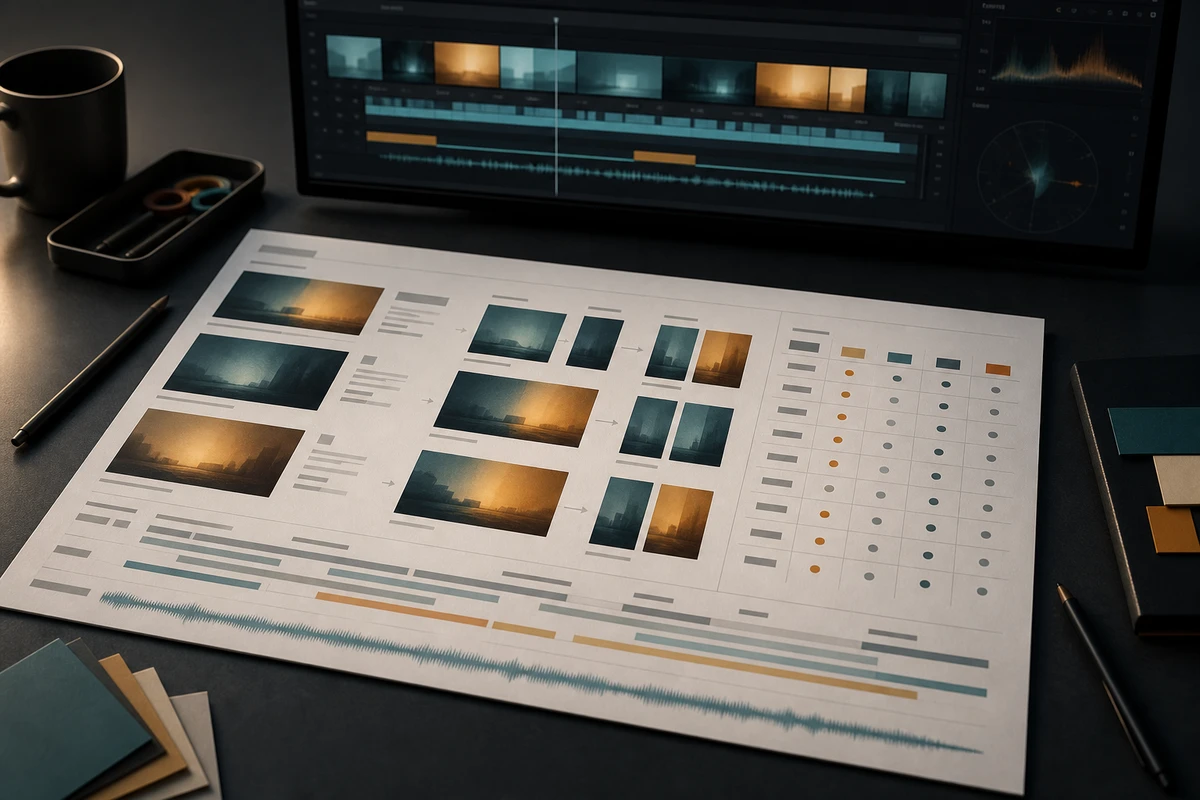
Don't start by asking "how many languages to translate." Start by listing the deliverables. Each row corresponds to a final file or reusable asset, specifying language, output format, aspect ratio, duration, channel, on-screen text, approver, and status.
- Language: source language, target language, regional variant — don't just write "English."
- Audio-visual format: original audio with subtitles, voiceover with subtitles, dialogue-free version, or music and sound effects only.
- Aspect ratio and duration: whether the main cut, vertical, square, and short clips share the same footage, and which shots require separate framing.
- Approval boundaries: who confirms brand terminology, functional numbers, on-screen text, voiceover performance, and final release.
This table's value is exposing early whether the same material can be reused. If a single row demands new voiceover, replaced packaging text, and vertical restructuring, it shouldn't be quoted as a simple translation task.
Classify On-Screen Text Into Three Categories Before Shooting
On-screen text is the most easily overlooked asset in localization. Classify it into three categories so post-production knows which layer to replace:
- Editable text: titles, selling points, UI labels, and graphic templates — keep replaceable text and font specifications.
- Text that must be recreated: packaging, on-screen captures, language on props — prepare text-free footage or alternative compositions during shooting.
- Non-replaceable brand elements: trademarks, model numbers, certification marks, and approved product names — enter these into the terminology and rights list.
Don't hand all text to the subtitling team. Subtitles handle what the audience hears or needs to understand on the timeline; on-screen text also involves composition, font licensing, graphic layers, and product facts. The production team should give the translation team a "text — source — replaceable layer — approver" card, not just a dialogue script.
Use a Duration Buffer Card to Handle Voiceover Expansion
The most common rework in voiceover versions is that the target language is complete but cannot fit the original shot rhythm.
You can create a buffer card when the script is locked: record the source language dialogue duration, estimated word count or speech rate for the target language, movable pauses per sentence, tail frames, and replaceable visuals. During review, classify each sentence into one of three treatments:
- Slightly longer: prioritize compressing pauses or extending existing product actions — don't change core visuals.
- Significantly longer: go back to the script and shot list, drop embellishing sentences that don't carry evidence, keep product facts.
- Cannot fit: switch to subtitles, split into multiple narration segments, or create a separate version — don't force the voice actor to rush at an unnatural pace.
This is a production estimate, not a law of linguistics; it routes "translation is too long" into script, pacing, or version decisions, letting the brand know what kind of work an additional market adds.
Review Subtitles Both Muted and Audio-Only
Subtitle review can't stop at typos. Subtitle files carry text and timing information, and the reuse method differs between separate subtitle tracks and burned-in subtitles. Adobe's multilingual subtitle tutorial places different languages on separate tracks for unified style and accuracy checks. You can reference Adobe's multilingual subtitle workflow, but don't treat machine translation as native-language review.
- Muted review: watch with visuals and subtitles only — check whether key selling points, character actions, product status, speakers, and non-verbal sounds are still understandable.
- Audio-only review: without visuals — check whether the voiceover has missed disclaimers, numbers, units, brand names, and necessary action cues.
The EBU Timed Text specification explains the different uses of separate subtitle files and burned-in subtitles. Commercial projects should include editable subtitle files, a version with subtitles, and a version without subtitles in the delivery matrix. EBU Timed Text only provides technical background; final formats are determined by the client contract and target channels.
Aspect Ratio Isn't About Cropping Action — It's About Rearranging Evidence
When converting landscape to vertical, what gets cropped first is often not decoration, but hand movements, product interfaces, or the relationship between person and product. Once the aspect ratio is confirmed, the shooting stage must leave room for reconstructing key evidence: can the subject be moved to the center axis, does the action have continuous before-and-after frames, does the text have an independent graphic layer, does the product need a close-up to compensate.
You can quickly assess with three columns:
- Directly reusable: the subject and key actions fall within the safe zone of each aspect ratio.
- Needs rearrangement: footage is usable, but graphic positions, subtitle areas, or in-shot negative space need adjustment.
- Needs reshoot/alternative: cropping would undermine product facts, or the vertical version requires a new action sequence.
Writing "both landscape and vertical needed" into the requirements is not the same as completing the vertical design. What really needs to be confirmed is: what each market version is trying to prove, and whether the evidence survives the crop.
Freeze with Version Sign-Off, Route Rework by Root Cause
The pre-launch version freeze card should at least include: terminology, subtitle facts, non-verbal sounds, voiceover sync, on-screen text, safe zones, aspect ratio, cover art or metadata, rights notes, and approver. Each item allows only three statuses: approved, conditionally approved, or returned to the designated responsible layer.
When returning, don't just write "please fix." Subtitle fact issues go back to translation review, voiceover too long goes back to script or pacing, on-screen text obstruction goes back to the graphic layer, aspect ratio doesn't work goes back to composition or alternative shots. The cost of this approach is one extra round of alignment early on, but the payoff is fewer rounds of cross-team rejection slips.
If you are planning a main cut, vertical version, subtitles, voiceover, and multi-market delivery, you can bring your target languages, product selling points, aspect ratios, channels, and version count into ONCE VISUAL video production planning, first turning the version matrix and shooting buffer into an estimable scope, then decide which versions are worth doing.