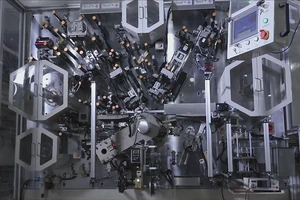
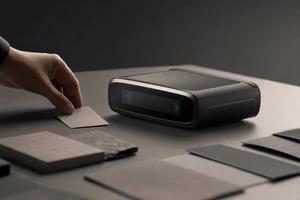
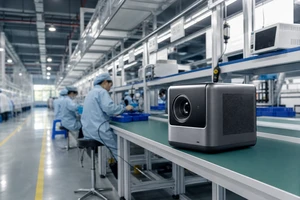
A tool-product video does not end after turning the product around once. For cross-border brands, customers need to see within seconds how it is held and used, how key functions are verified, and whether those images can be cut for product pages, ads, and social content. Using ONCE VISUAL’s OLIGHT portable-light desktop-tool case, the real key frames below show how a Shenzhen tool-product video can turn “attractive” into deliverable decision evidence.
Turn procurement questions into shot tasks first
A tool-project brief should not say only “a technological feel” or “shoot it with texture.” A more effective approach breaks procurement risk into filmable shot tasks: one frame establishes recognition of the product’s material and color; one explains the light, pocket clip, or holding action; and one preserves safe compositions for product pages, vertical social media, and launch cuts. In this way, the director, camera, lighting, and post-production teams can work from the same asset matrix before shooting rather than making remedies after the final film appears.
Case frame one: use a product grouping to establish first-screen recognition
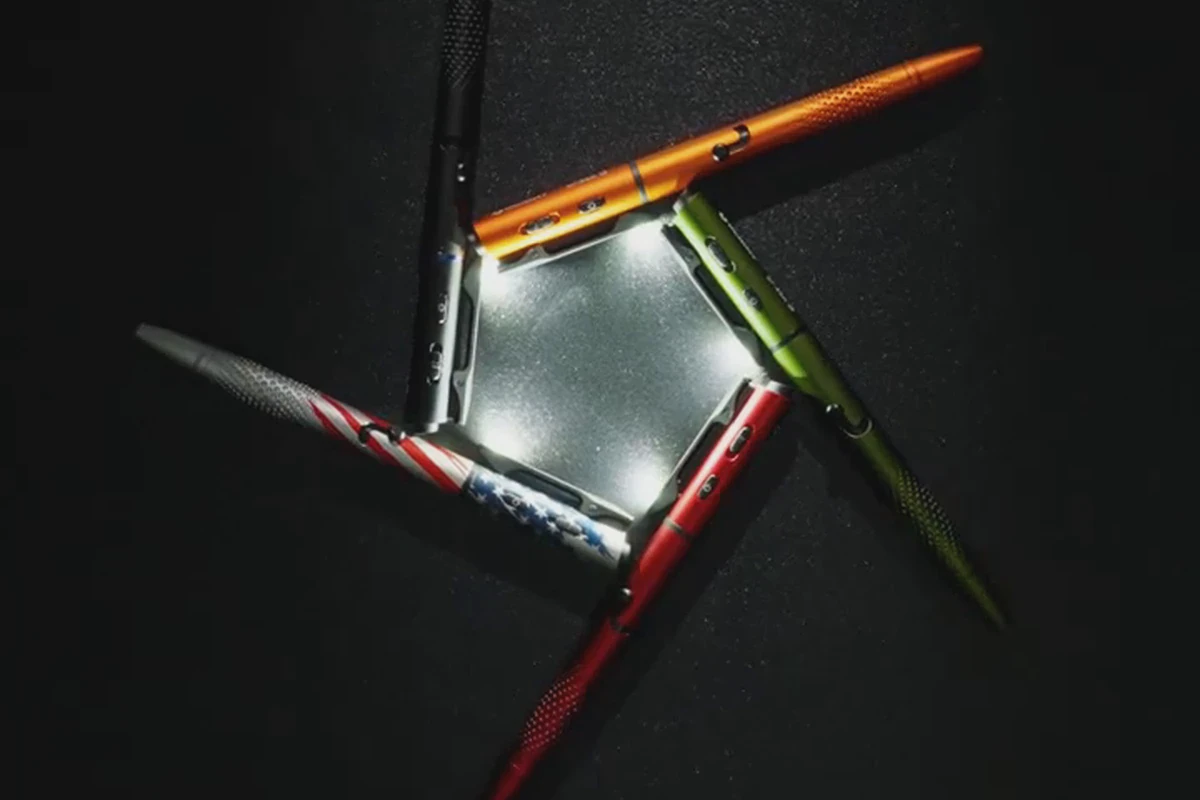
This frame is not a poster substitute, but a real capture from the final part of the case video. The high-contrast background places color, metal texture, and lighting effect in one visual relationship; buyers can use it to check whether the hero visual leaves room for later crops. The cover uses 3:2, while the article and vertical versions retain the original video ratio to avoid cutting off product edges merely to unify dimensions.
Case frame two: hold functional proof in a frame that can be reviewed
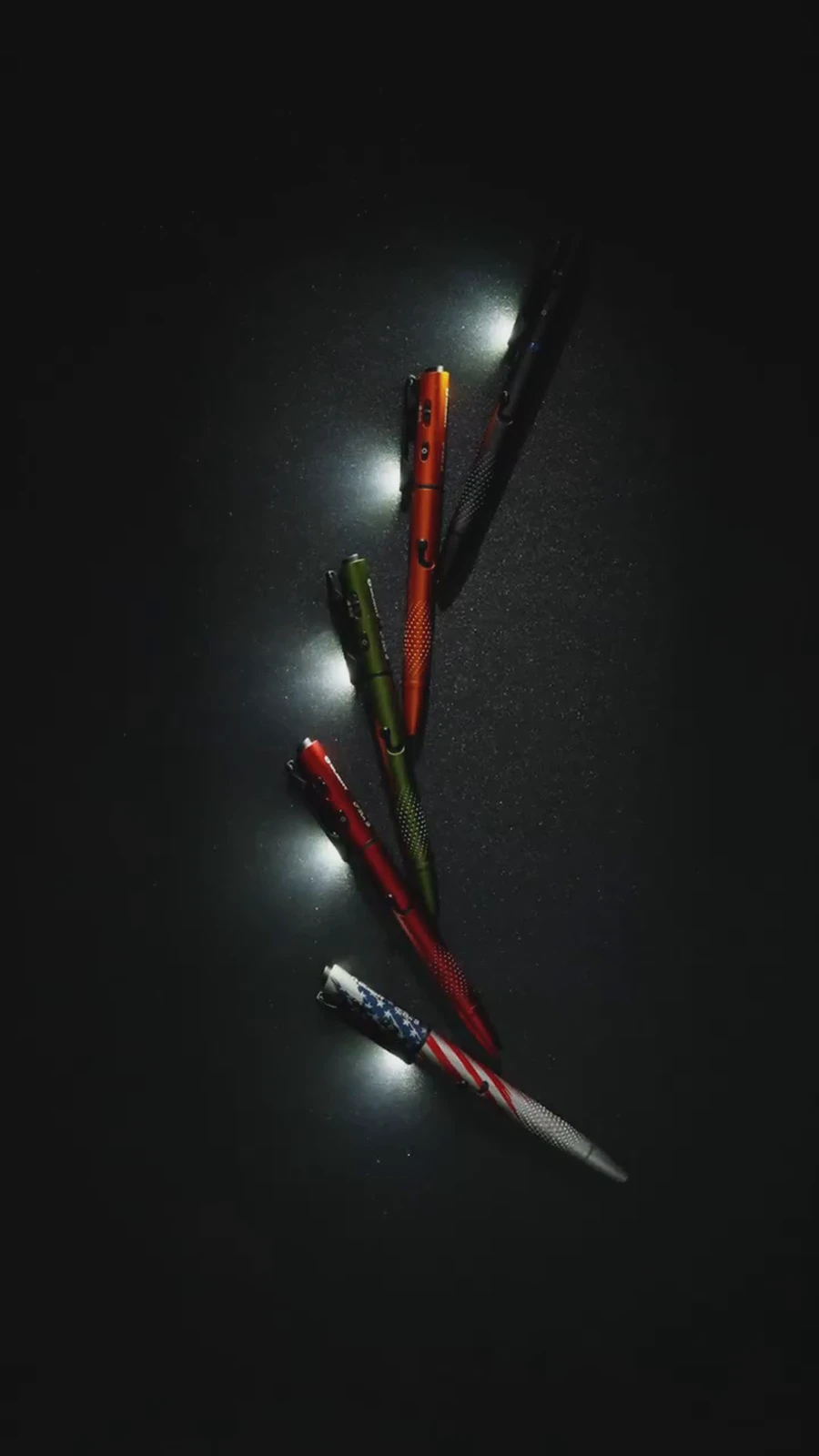
Tool-product videos most easily lose points when actions are fast but viewers have no opportunity to confirm that a function really occurs. Here, the product moves from a solid-color background into a visible beam area and pauses long enough for selling points such as “illumination, pointing, and carry” to be reviewed frame by frame. The shot list should specify that every main selling point has at least one continuous action and one still evidence frame; the latter can be used on detail pages, landing pages, and sales materials.
Case frame three: connect camera choices to version delivery
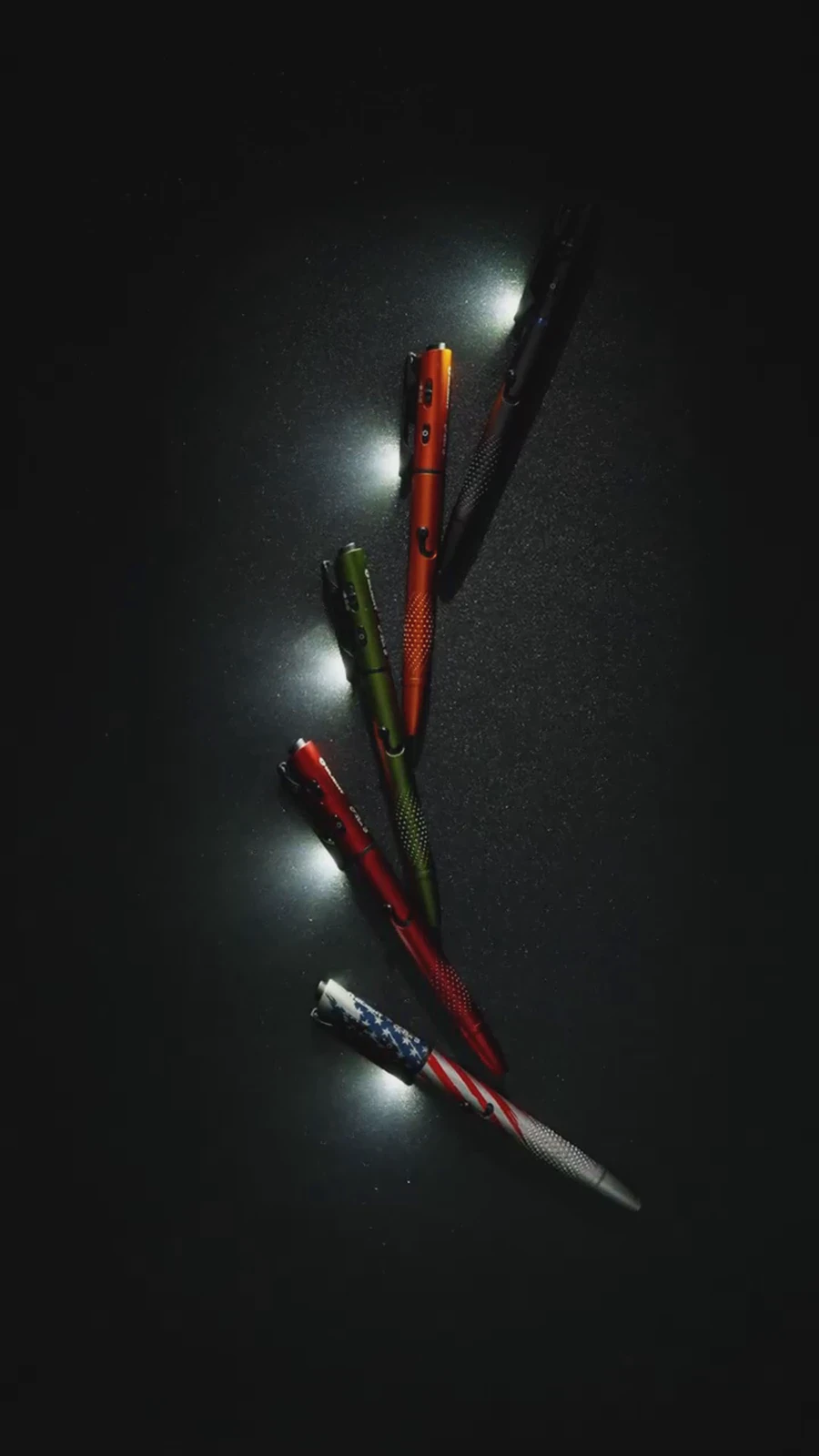
The arrangement of the same products at different moments is not a repeated shot: it shows that an independently valid vertical composition was reserved on site. For overseas launch campaigns, confirming that original camera positions support multiple ratios is more reliable than forcing a crop in post-production. Amazon Ads’ video-ad explanation also indicates that video assets enter online-video, product-search, and detail-page contexts. Therefore, the delivery list should specify a horizontal hero film, vertical short cuts, text-free versions, subtitle files, and cover stills, rather than delivering only one final-film link.
Lighting, camera positions, and post-production should be accepted on one delivery sheet
Common risks in tool materials are blown highlights, lost sandblasted texture, and blacked-out button details. On site, use a low-angle key and fill light to separate contours from the background, then dedicate close-up camera positions to verifying buttons, pocket clips, and the illuminated end; this is more reliable than lifting shadows in post-production. ARRI’s lighting learning resources and camera and workflow resources manage lighting and workflow separately; project acceptance should likewise tick “does the image work?” and “is the version usable?” separately.
Prepare a callable asset library, not one film, for overseas channels
Before delivery, the brand should have the supplier list each asset’s ratio, duration, whether it contains text, whether language can be replaced, suitable channels, and source-file location. AJA’s streaming-workflow solutions emphasize the connection between encoding, transmission, and platform distribution. For brand content teams, the most practical action is to move these requirements to the shoot day, rather than chase the producer for source files the day before launch. A natural internal link from video-production services provides the project-consultation entry.
Tool-product video acceptance checklist
At final acceptance, confirm item by item: whether the product is recognizable in the hero still; whether key functions have reviewable evidence; whether horizontal and vertical ratios each have a safe composition; whether subtitles, text-free versions, and language replacements are complete; whether every launch channel can find a matching duration; and whether source files, cover images, and version names have been handed over. Only a video that answers these questions truly lowers secondary-production costs for overseas content teams.
Frequently asked questions
Must a tool-product video include people on camera?
Not necessarily. Functional proof needs an understandable relationship of use; if hand or carrying actions reduce the cost of understanding, include them. If the product details themselves are sufficiently clear, the product, lighting, and camera positions can also complete the explanation.
What is most easily missed at delivery?
The most easily omitted items are text-free versions, vertical safe compositions, subtitle source files, and cover stills. They directly affect later reuse of overseas assets.
How can you tell whether a supplier truly understands launch needs?
See whether it can provide a shot-use table before shooting: each shot corresponds to a selling point, ratio, channel, and subsequent version, rather than offering only an abstract storyboard.