Short-form video subtitles are often added in the final ten minutes, leaving names wrong, product terminology incorrect, speakers confused, key notices blocked by the interface, and laughter, alerts, and alarms entirely omitted. The video may still have subtitles, yet fail to help muted viewers or audiences who need assistive information understand the content correctly.
The recommendation first: accessible delivery is not about supplying one additional subtitle file, but enabling important information to be understood through both visual and audio paths. Subtitles, sound descriptions, on-screen text, a clean master without text, and vertical-video safe areas must all be accepted together before picture lock.
An Executable Acceptance Table
| Item to Verify | Facts to Specify | Common Risk |
|---|---|---|
| Spoken Content | Speaker, terminology, numbers, product name | Proofread subtitles and editable files |
| Non-Verbal Sounds | Cues, alarms, ambience, emotional turns | Include in descriptive captions when necessary |
| On-Screen Text | Promotions, limitations, calls to action | Readable duration and an unobstructed position |
| Version | With text, without text, and understandable when muted | Clear file naming and ledger |
Run Two Opposite Viewing Tests
First watch muted: without sound, can you still tell who is speaking, what is happening to the product, and what to do next? Then listen without watching: can you still understand key turns and limitations? Passing both tests shows that the information is not dependent on a single channel.
Do Not Let Subtitles Become New Design Noise
Subtitles must coexist with the product, facial expressions, and platform interface. Reserve text-safe areas during filming, control line length, display time, and speaker changes during editing, and do not let excessive decoration obscure readability in design.
Delivery Files Must Be Understandable to the Next Team
The version with text, clean master without text, subtitle files, version notes, and date of the final proofread should be handed over together. Specific platform functions and accessibility requirements should be verified live against the target channel before publication.
Make Acceptance Part of the Project Rhythm, Not a Closing Task
To place content, versions, and delivery within one project workflow, see the Multi-Platform Social Short-Form Video Production and Delivery Solution. If you first need to clarify existing assets and the boundaries of the next production step, begin through a project consultation.
From the “Subtitle Fact-Proofing Card” to the “Accessible Delivery Matrix”
- At project kickoff:Check names, terminology, product claims, speakers, and non-verbal sounds. Assign owners and lock the input files first; do not defer critical judgments until the final cut.
- During production and review:Check separately, under muted and audio-only conditions, whether key information is complete. Record the version, approver, and scope of every change.
- At delivery and retrospective:Standardize burned-in subtitles, SRT/VTT, clean masters without subtitles, and described versions. Make the materials usable by the next production, media, or operations colleague.
What matters is not the number of tables, but whether someone can make a decision before rework occurs.Ensure that short-form video still communicates people, actions, sounds, and product facts correctly in muted, deaf or hard-of-hearing, low-vision, and multilingual use scenarios. The three tools must therefore use the same product facts, shot numbers, and version names; otherwise, every table can be correct while the project still contradicts itself at delivery.
Minimum Acceptance Criteria for the “Dual-Channel Comprehension Test”
When time or budget is limited, first make the Subtitle Fact-Proofing Card and Dual-Channel Comprehension Test understandable to the client, production team, and operations team rather than using decorative shots to conceal unconfirmed facts. Record every pending item as “who confirms it, when it will be confirmed, and which version it affects,” so the set and edit suite know where work can continue and where it must stop.
Current Rules Define the Boundaries; the “Subtitle Fact-Proofing Card” Puts Them into Practice
Before publication, “Social Short-Form Video Accessible Subtitle Acceptance” rechecks platform, standards, and rights-related facts against official materials from ftc.gov and official materials from kantar.com. External sources answer “What are the current public boundaries?” The original tools in this article answer “Who turns them into scripts, shots, versions, and acceptance actions, and when?” If the account, region, category, or rule date changes, return to the original page and verify it; do not treat this article as a permanent description of a platform backend.
Sources support only verifiable external facts. This article uses the Subtitle Fact-Proofing Card and Accessible Delivery Matrix to form original production judgments and does not substitute case-study imagery for evidence about rules.
Bring the Judgment Back to This Social Short-Form Video and Creator Content Project
If the team is working on “How should TikTok, Reels, and YouTube Shorts verify subtitles, non-verbal sounds, and visual accessibility?”, first prepare the existing page or placement, product facts, target market, and available assets, then use the Subtitle Fact-Proofing Card and Accessible Delivery Matrix to identify gaps. You can also review the Social Short-Form Video and Creator Content Solution to confirm that this supporting article and the commercial page serve different purposes.
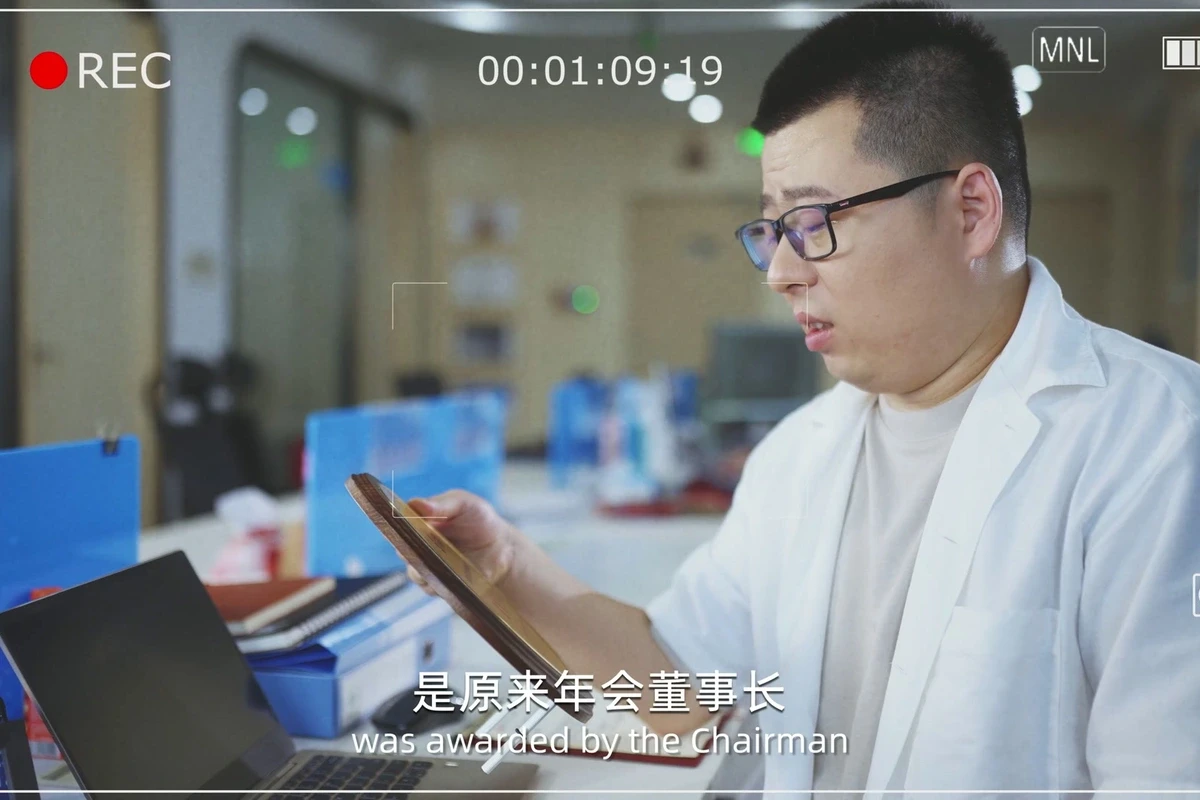
The cover of “Social Short-Form Video Accessible Subtitle Acceptance” was reframed from an ONCE local Social Short-Form Video and Creator Content case-study video. It demonstrates only composition and production language and is not evidence of the platform rules, product performance, or client results discussed here.