A cross-border ecommerce product comparison video is not an animated table of two specification sets. It helps overseas users understand within tens of seconds where the differences lie, what they mean for their own use, and why the extra budget is worthwhile. The most effective approach translates “specification differences” into actions, structures, and results under the same conditions.
Do Not Film the Specification Table First; Find the Choice Users Actually Need to Make
Brand teams often say, “We need a comparison video,” yet on set the comparison is still unclear: is it the old and new model, standard and premium editions, a single item and a bundle, or an old way of working and a new solution? Without clarity here, more shots only make the video resemble a product manual.
When ONCE VISUAL writes product selling-point scripts, we first formulate one decision question: are users buying it to complete something faster, avoid something with less effort, or gain an experience the old solution cannot provide? That sentence is the communication hook. A magnetic structure, for example, is not an isolated term; it corresponds to differences in attaching, removing, switching, and carrying.
Pair Every Difference with a Set of Shots That Has a Fair Referee
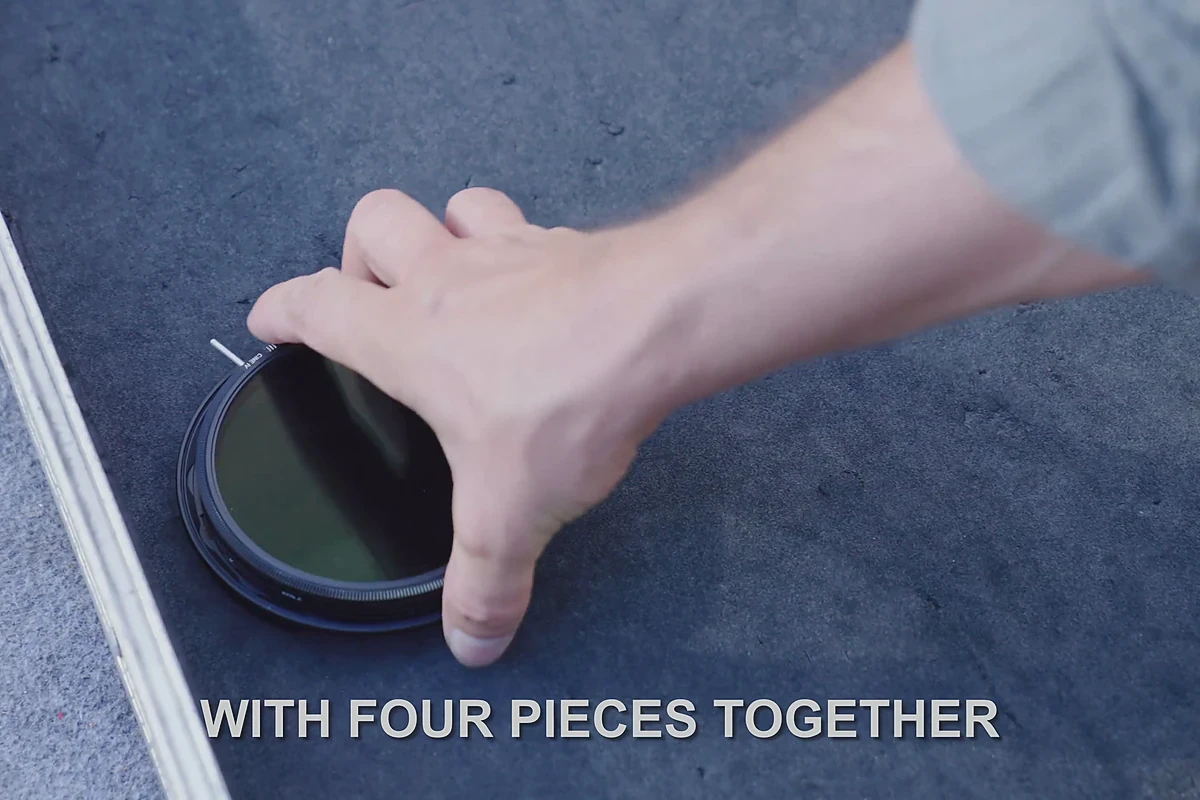
The referee in comparison shots must be fair: similar angles, similar lighting, and similar tasks. To prove faster installation, film the same pair of hands completing both operations. To show a lighter footprint, place both in the same commuter bag or on the same desk. To explain image results, let users see the outcome in the same setting. Minimize subtitles such as “stronger” and “more professional”; let actions and results speak.
Film Structural Differences Close and Usage Results Wide
Macro close-ups explain ports, materials, buttons, catches, and workmanship; medium and wide shots answer “How will this change my use?” Detail alone feels like a laboratory demonstration, while lifestyle imagery alone hides the core difference. A comfortable storyboard rhythm is usually: flash the pain point, move close to the structure, follow with hand operation, and return to the usage result.
For Shopify Product Video Production, this shot set can be divided according to the user’s page-scrolling rhythm: lead with a result shot to retain attention, then let detail shots support rational comparison. There is no need to force every comparison into the first screen.
“Who Is It For?” Drives Purchases More Easily Than “Which Is Stronger?”
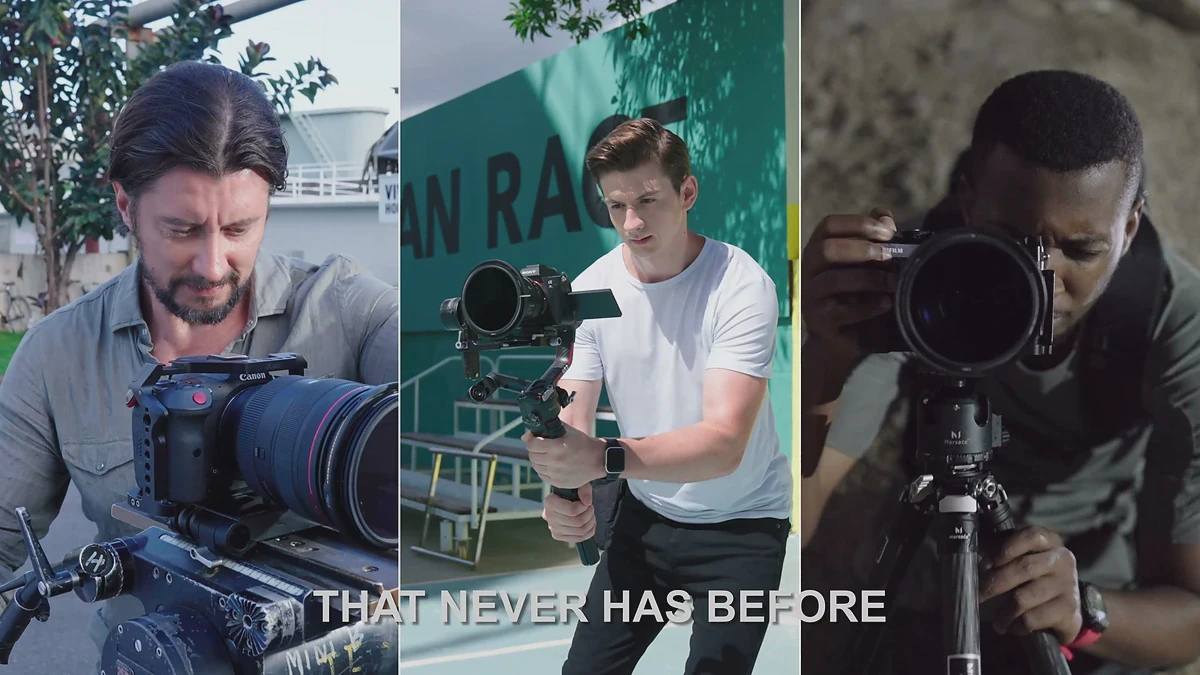
You do not necessarily need to show a competitor, especially when running long-term campaigns across multiple overseas markets. A more reliable and persuasive approach places the product with specific people and scenarios: commuting, sports, travel, creation, and everyday family life. When users see their own task addressed, they naturally convert specifications into reasons to buy.

Amazon, Independent Stores, and Advertising Cuts Each Need a Different Emphasis
Comparison video on an Amazon page should be short and clear, placing verifiable differences first. An independent store can preserve more setting and story so users understand layer by layer. Feed advertising first raises the question “Why switch?” and then provides an action contrast understood at a glance.Amazon Ads Video Marketing Guide offers ideas for using video at different touchpoints, while Google Ads’ Official Video Advertising Help also reminds teams that advertising assets must clarify the product within limited time rather than merely look good.
On-Set Checklist: Write “Comparable” into the Shooting Plan
Before filming, write every difference in four columns: objects being compared, action to prove, required setting, and final placement. Then confirm whether the same camera position, props, and time scale are ready. For information such as battery life, weight, and connection speed, do not substitute unverifiable exaggeration. If genuine actions, explicit conditions, and authorized data can prove it, do not prop up the scene with giant text.
Turn One Comparison Film into a Set of Decision Assets
The finished video is only the beginning. Structural differences can become 6-second detail-page clips, contextual results can become social cuts, and the complete logic can remain for the independent store or sales demonstration. Plan it in one Brief with Amazon Main-Image Video Production, Cross-Border Ecommerce Product Video Production, and the production team can reserve landscape and vertical composition, subtitle safe areas, and CTAs of different lengths in advance.
If your product is undergoing a new-product upgrade, model rationalization, or an advertising conversion bottleneck, ONCE VISUAL can organize the decision question, selling-point script, storyboard rhythm, and multi-platform cuts together, turning “differences that are hard to explain” into purchase reasons that overseas users will stop to watch.